Explore the chart
Switch between bar, candlestick and line charts. Scale and scroll your view, and compare different timeframes.
Follow prices, explore charts and manage orders with MetaTrader 5. Choose your device and connect to your Loyal Primus trading account.
Choose your downloadPlatform availability and instruments depend on your account. Leveraged trading carries risk.
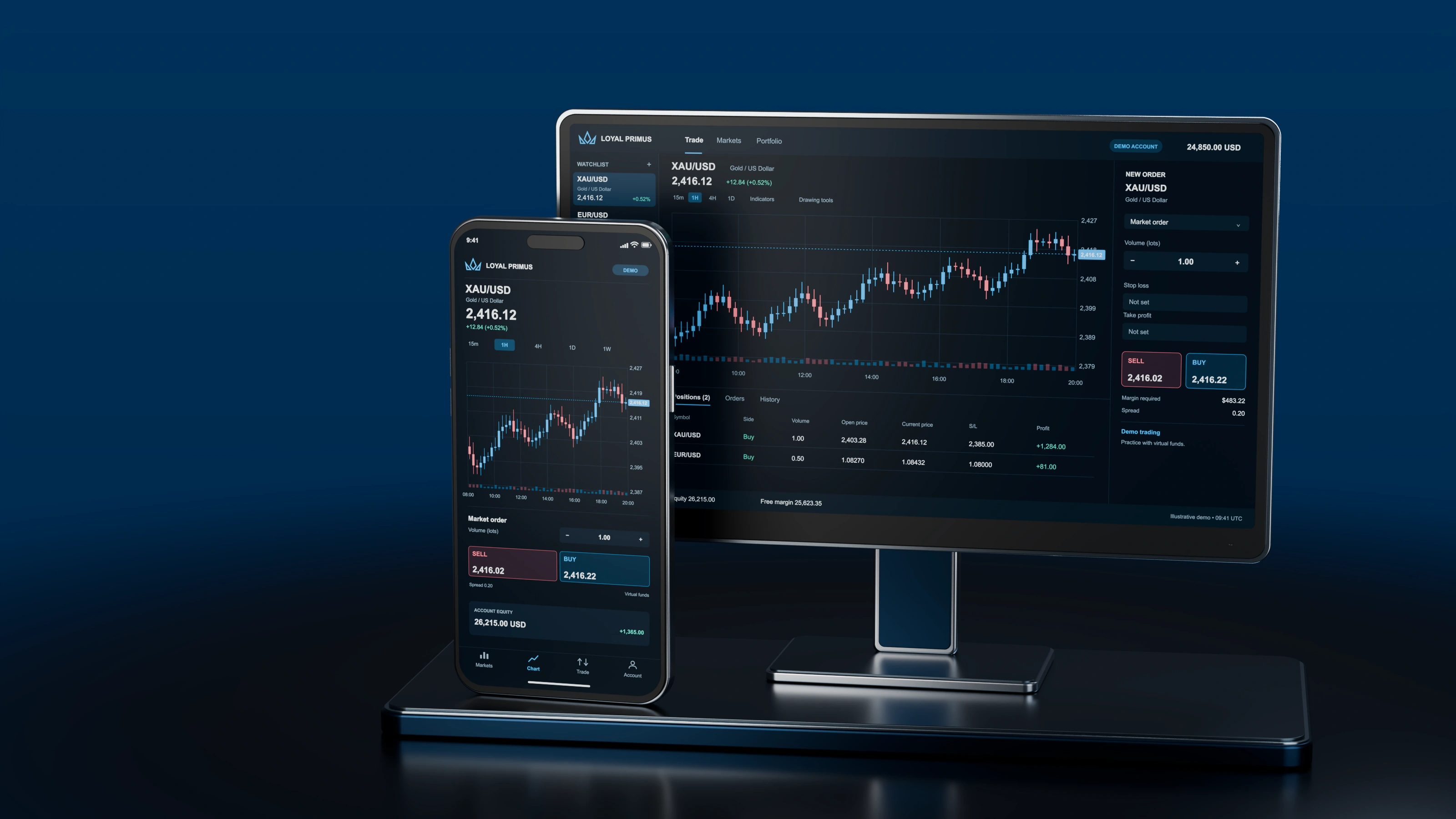
Use the Loyal Primus Windows installer or the mobile application. Have the platform, account number and server details from your client area ready.
Loyal Primus MetaTrader 5 installer
Download .exe MobileMetaTrader 5 for iOS
Get the app MobileMetaTrader 5 for Android
Get the appDownloads are served by MetaQuotes or the app store. Use the server details associated with your account; a download alone does not open or fund an account.
Switch between bar, candlestick and line charts. Scale and scroll your view, and compare different timeframes.
Use technical indicators and drawing tools, including lines, channels and geometric objects. Adjust chart colours to suit your workspace.
Review open positions and trading history. Confirm instrument specifications, margin requirements and account conditions before placing an order.
Sign in to your client area and confirm that your trading account uses MetaTrader 5.
Choose the correct download above for your device.
Use your trading-account login, trading password and assigned server. Need to reset your trading password?
For help with a specific account or transaction, contact our team. Verification documents and account changes belong in your client area.